Worlds 32 · Atlanta

Salakaubavedajad Fantasy

Picks come live from the draft sheet: type a name into the sheet, or press Pick here when you're on the clock, and it moves to Picked within about 10 seconds. Drag players to reorder your own board. Your board saves in this browser.

Connecting to the draft sheet… Open sheet ↗
T1 Round 1 T2 Starters T3 Value T4 Depth T5 Dart throws Keyboard: Tab to a player, Alt + ↑/↓ to move it on your board, Enter to pick when you're on the clock.
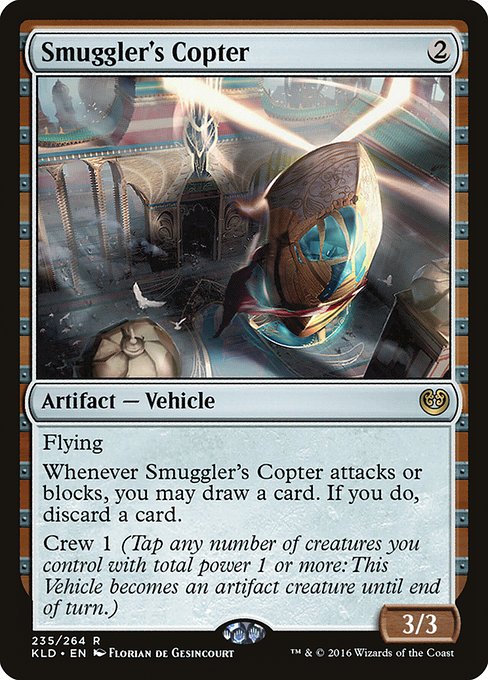
Smuggler's Copter, the Kaladesh card

Available

Drag to reorder · Number = your board rank

    Picked

      Team standings

      Loading results…

      Open on melee.gg ↗

        Draft history

        Click a column to sort. Pick numbers are overall picks in that draft; empty means the player wasn't drafted there.

        One-click picking

        Without this, Pick copies the player's name and opens the sheet at your cell so you can paste it. To make Pick write straight into the sheet, add a small script to the sheet once. You need edit access to the sheet.

        1. Press Copy script below.
        2. In the sheet, open Extensions → Apps Script. Delete the code that's there, paste, and press Save (the disk icon).
        3. Press Deploy → New deployment, click the gear next to "Select type" and choose Web app. Set Execute as: Me and Who has access: Anyone, then Deploy.
        4. Allow access when Google asks. If it says the app isn't verified, press Advanced, then Go to the project.
        5. Copy the Web app URL (it ends in /exec), paste it below, press Test, then Save.
        Show the script